Things I Love About Brush-based Mapping
I love brush-based mapping. I think it’s great!
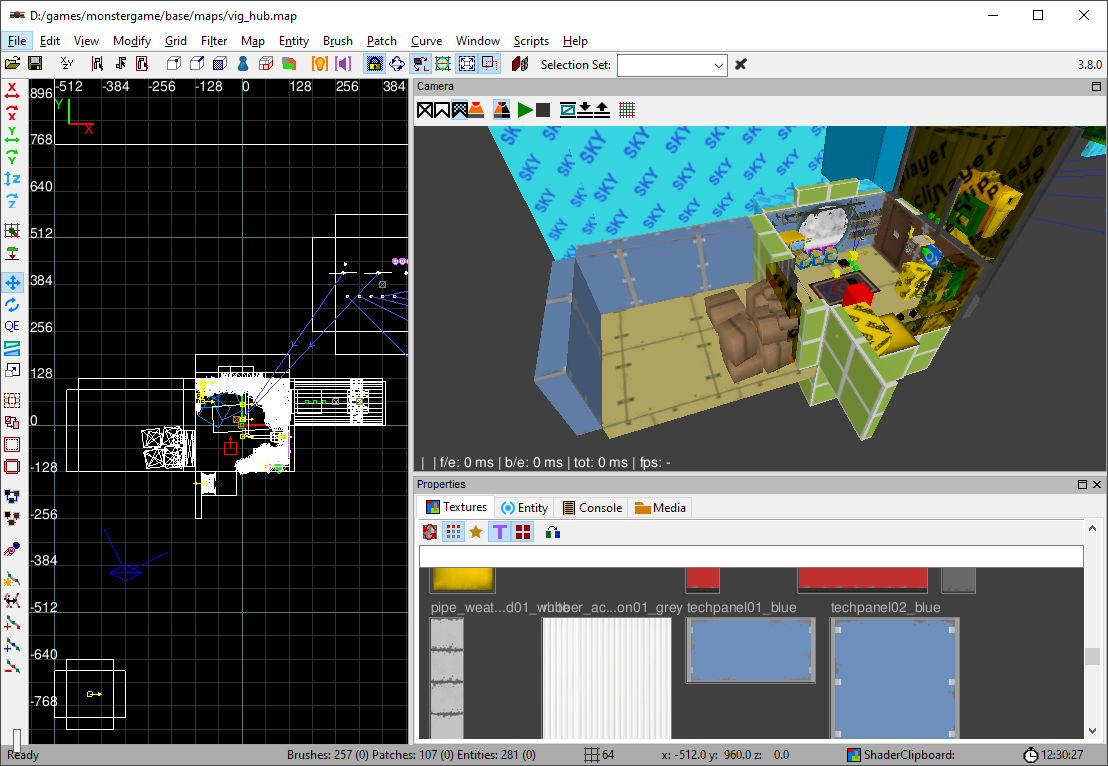
Lemme tell you why…
Wait, what is Brush-based mapping?
It’s a way of making 3D level environments. It is sometimes otherwise known as BSP mapping or BSP brushes.
In the level editing tool, the level designer draws 3D shapes known as “brushes”.
Examples of brushes include rectangles, trapezoids, cylinders, wedges, cones, etc:
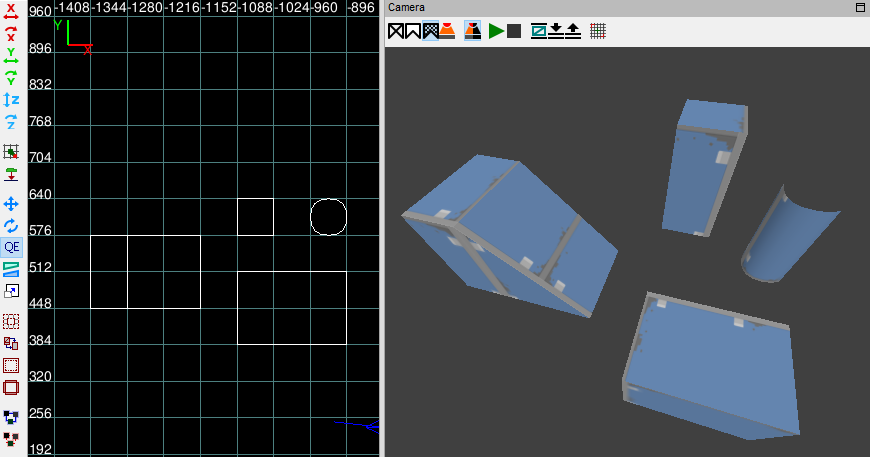
The level designer adds, moves, rotates, resizes, and carves these brushes to build a level, using them to make walls, floors, ceilings, staircases, ramps, pipes, bridges, etc etc.
Example: this wall in Skin Deep (2025) is comprised of 4 brushes:
Think of it like playing with building blocks, but with the ability to resize and reshape each block as needed.
Is this like 3D modeling?
Sort of. There’s similarities to low-poly modeling. You’re making shapes, you can move vertices, you’re molding things to what you need.
However, a major difference is: brushes must be convex shapes. No concave shapes allowed!
Some games that use brush-based mapping
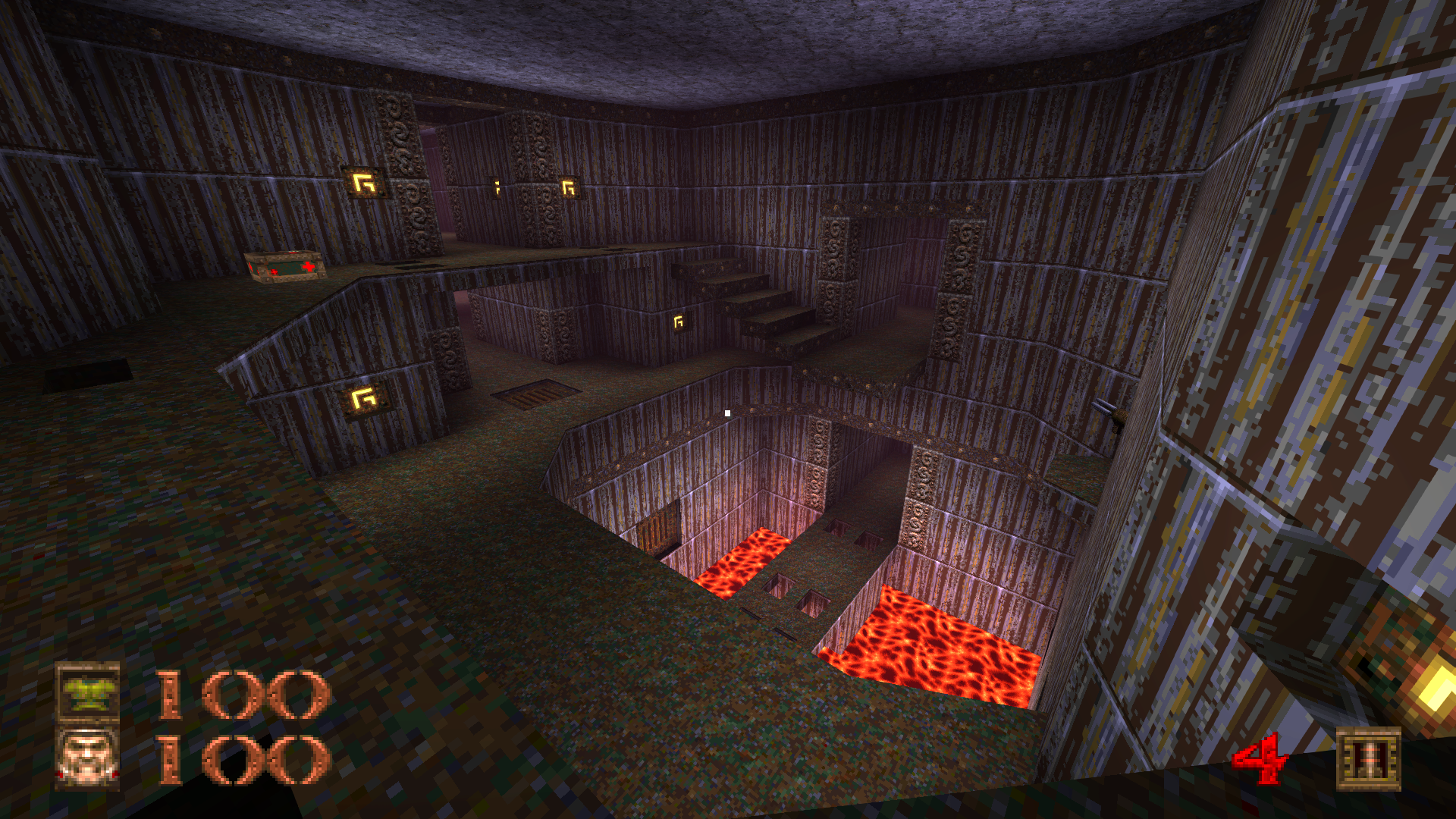
Quake (1996):
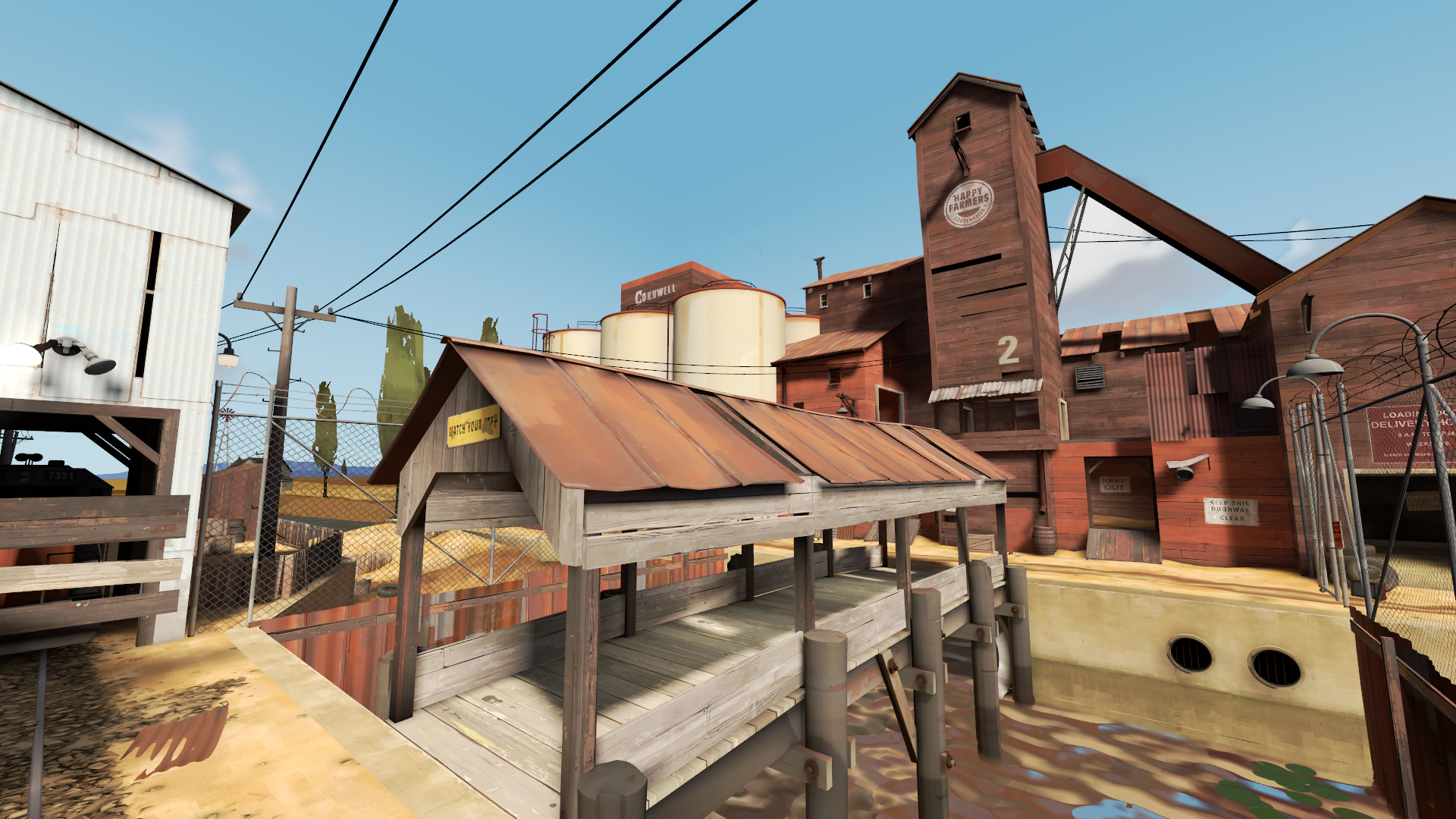
Team Fortress 2 (2007):
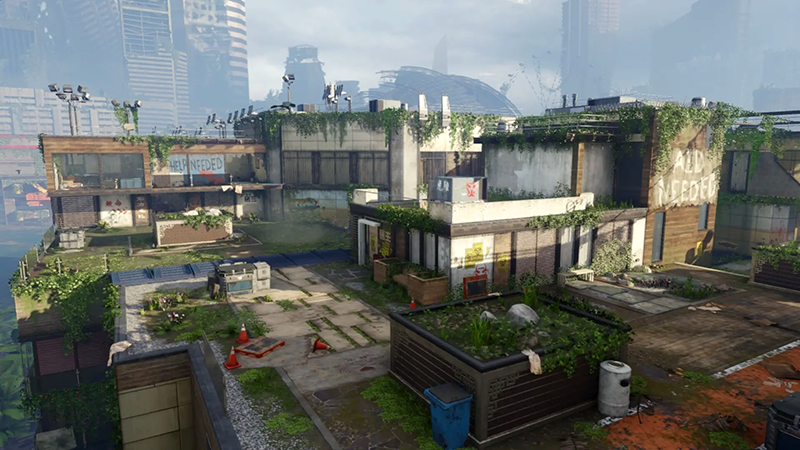
Call of Duty Black Ops 3 (2015):
Half-life: Alyx (2020):
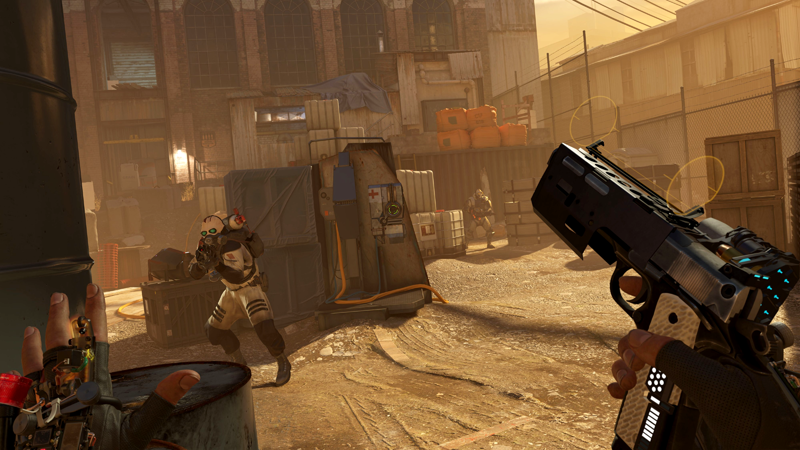 Note: Half-life Alyx dramatically revamps how things work – they have brush-like qualities/workflow, but are technically not brushes. For a peek at Half-life Alyx’s modernized system, see Joe Wintergreen’s writeup.
Is everything made with brushes?
No. Brushes are generally suited for architectural/environmental features.
For details or more precise geometry, you’ll add traditional models (i.e. models you make in Blender, Maya, etc).
Example
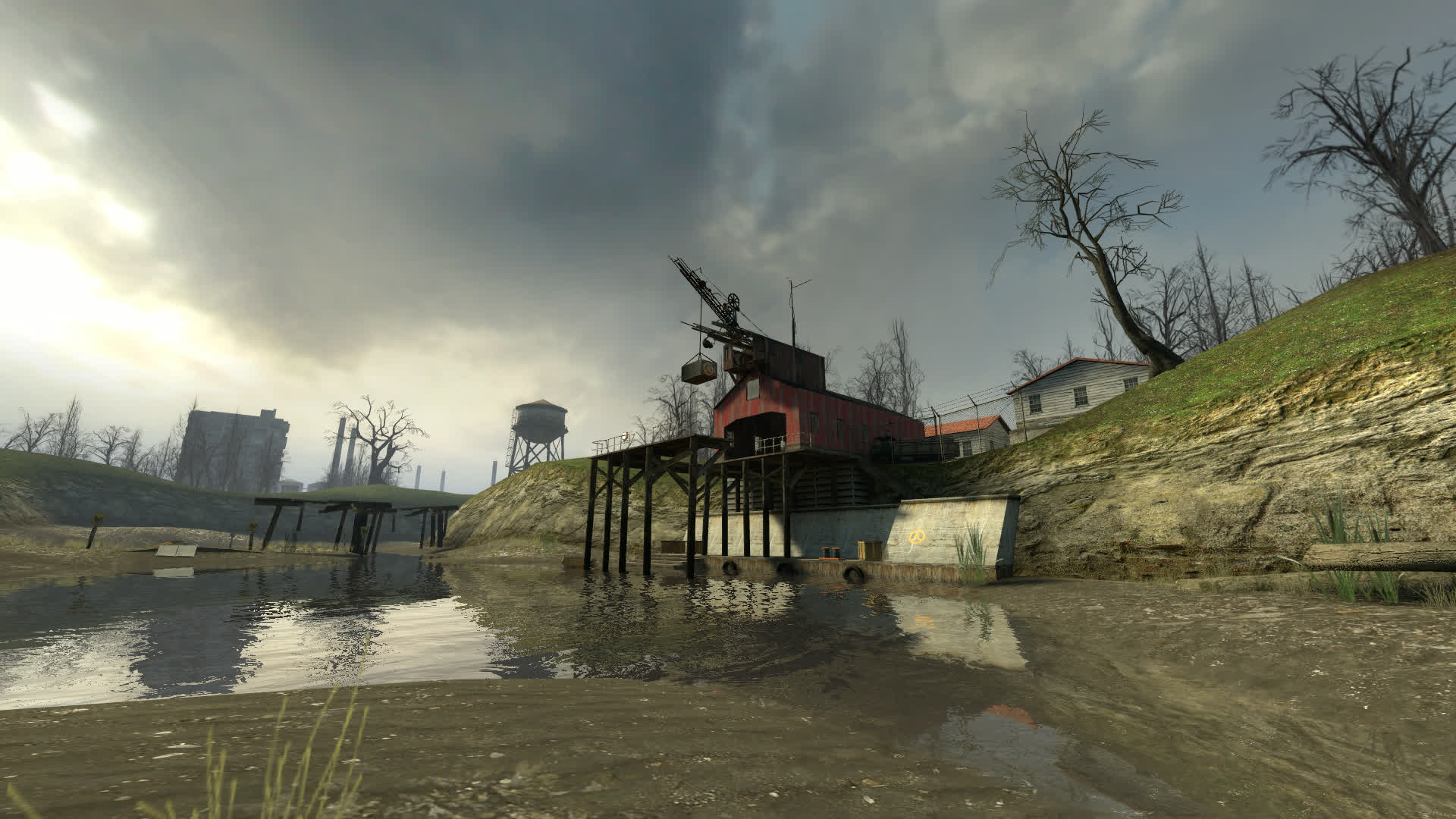
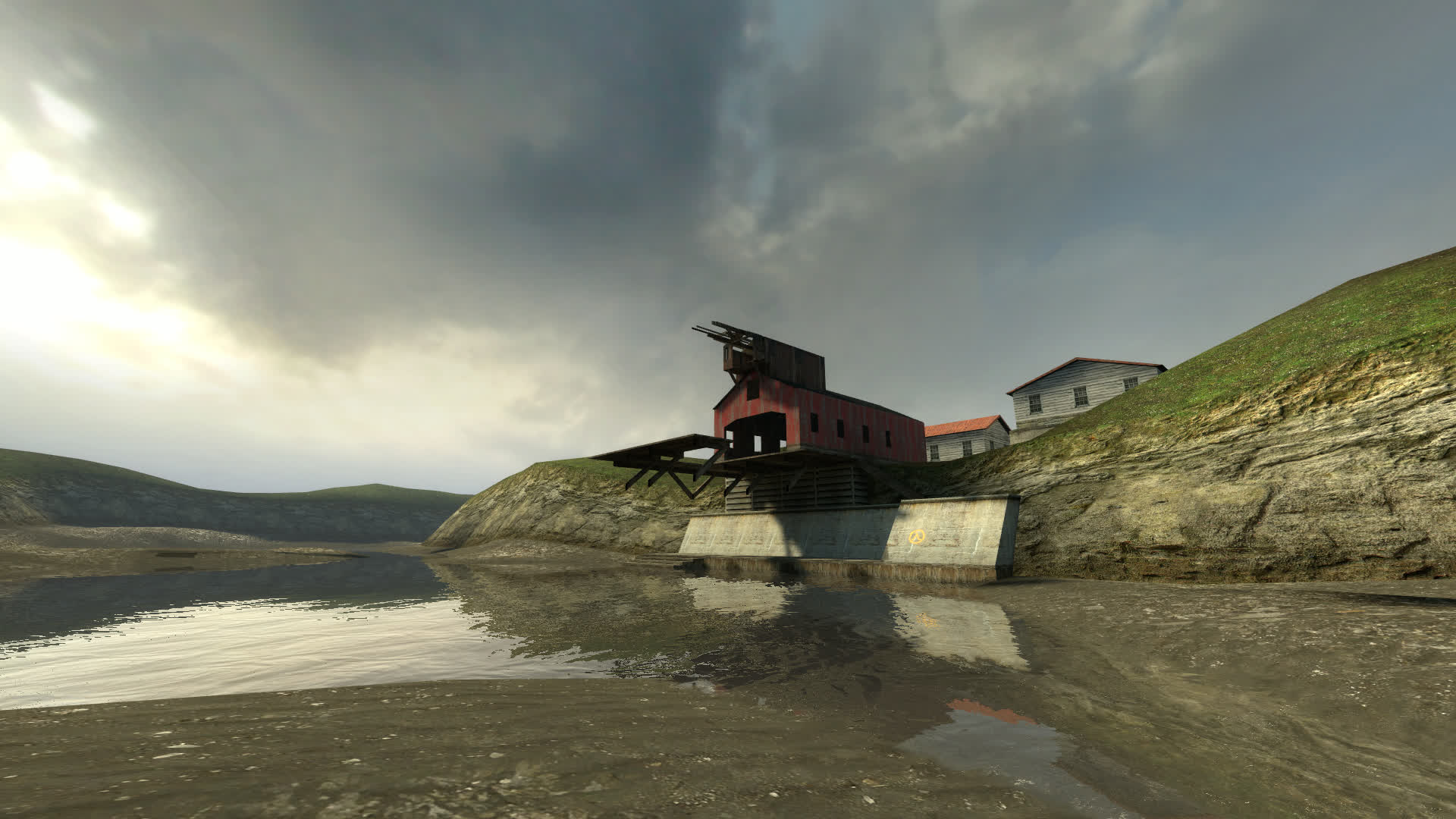
Here’s what a scene in Half-life 2 looks like with models on/off:
Model rendering on:
Model rendering off:
Another Half-life 2 example:
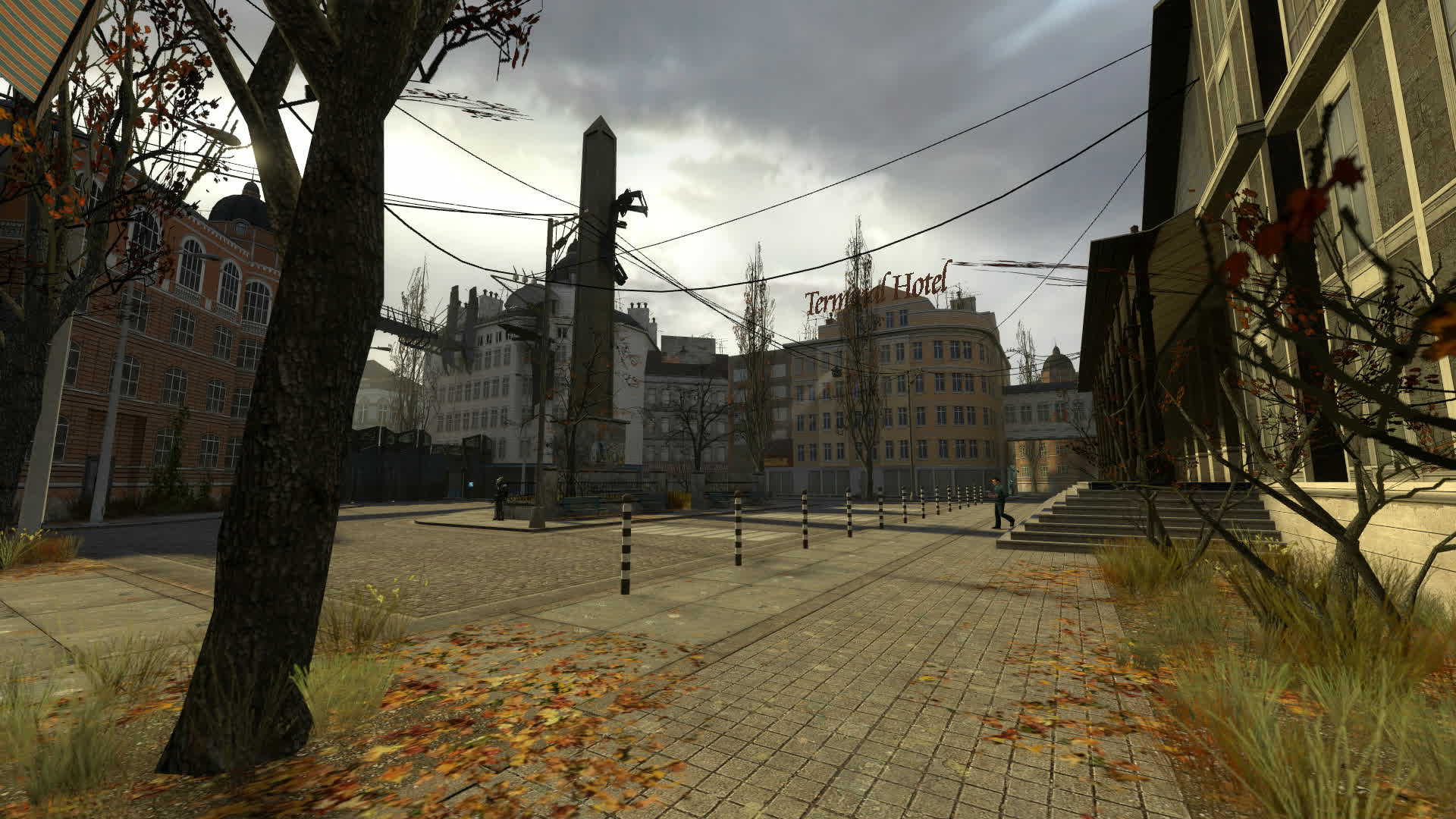
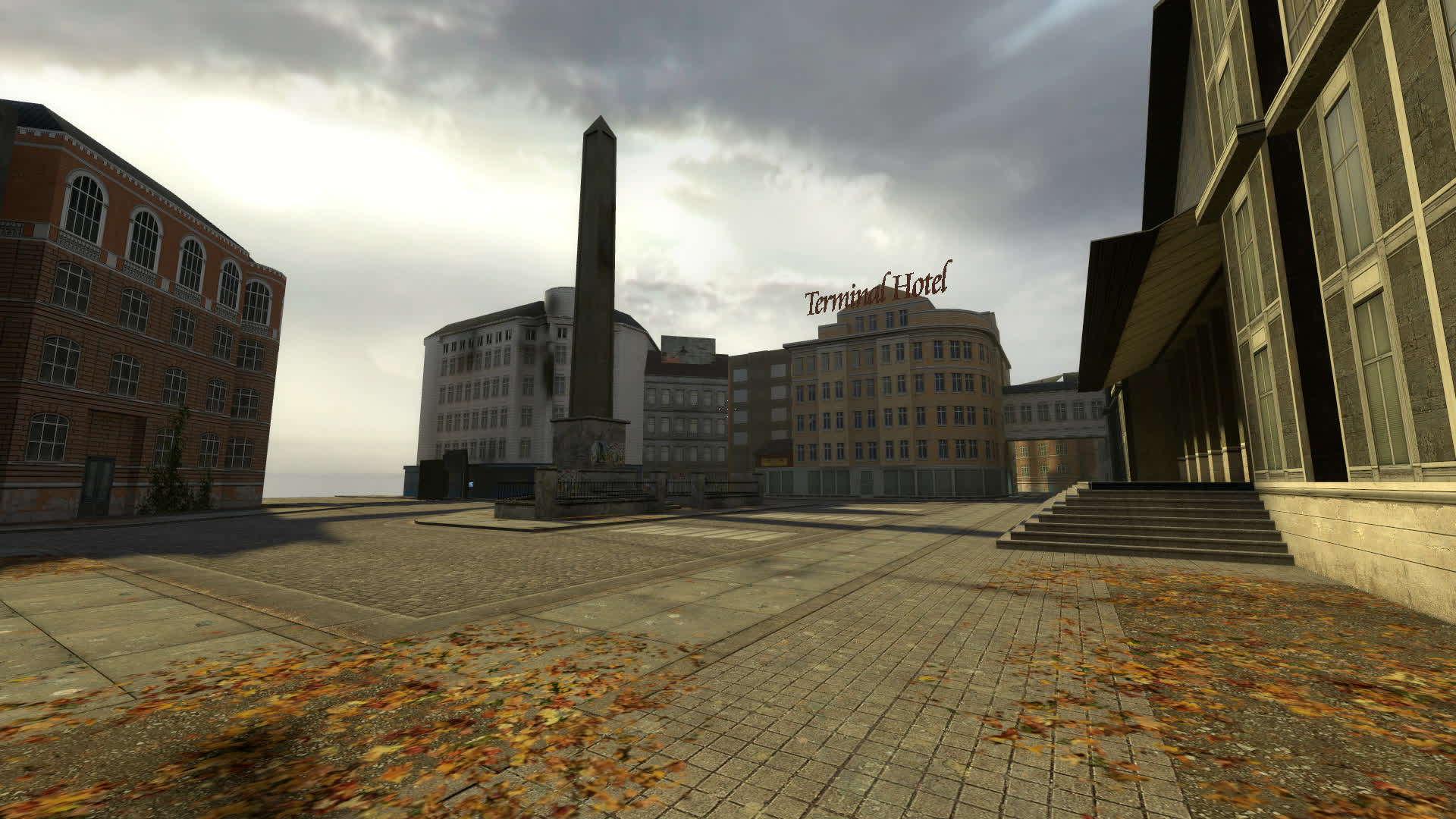
When models are turned off, only the brushwork remains. Models and brushwork work in concert with one another to make an area come to life.
So! That’s a (very) brief rundown of brush-based mapping.
I enjoy this approach for a lot of reasons. Here are some of the reasons…
Some of the reasons
It’s fast
If you need to create a brush, just click and drag:
Done!
If there’s an action I need to do often, I want to be able to do it quickly. It’s nice to be able to plunk out world geometry at the speed of a mouse click.
It’s flexible
If you need a wall/floor/whatever in a specific size, just click and drag:
Done!
If you need geometry that requires very specific dimensions to fit a very specific space, you have the ability to very quickly do so.
Fast iteration
What if there was zero distance between “I have an idea” and “the idea is now implemented and playable”?? While it’s not exactly zero distance, in my eyes, the speed and versatility and empowerment granted by brushes is incredible.
I love being able to try things on a whim. I love how fast and cheap it is to make stuff. I love being able to rapidly experiment, try something stupid, fail fast, and unearth the stuff that does work.
The Brush Is the Art
When you apply and align a texture on a brush, that’s… the final art! Ship it!
I am simplifying things – you generally don’t just slap on a texture and call it a day – but you may notice a pattern here: I like it when a process allows me to rapidly get from point A to point B. In this case, I like how art and brushwork are are so tightly coupled.
The art iteration process is largely contained within the level editor – how you make your brushes, what textures you apply to them, how you tinker with the interplay between brushwork and texturework.
Design vs. Art
I love level design and I love the art process, so I’m very biased here, but: I love how blurry the separation is between level design and art.
When you place a brush, it’s also serving as art. When you resize or reposition a brush, you’re making a design decision and an art decision. The brush serves triple duty as design, collision, and art.
I understand this isn’t a great fit for some people/studios/etc, but for me, I absolutely love it. I love evaluating things through a design lens and art lens, finding a sweet spot between them, making interesting tradeoffs, and finding surprises in the process.
Made just for levels
The tools are a sharp laser designed to do only one thing: make a level.
It’s intentionally and specifically not a general-purpose tool designed to do anything – and I think that’s great. It’s built from the ground up to focus on authoring geometry for 3D game levels, allow you to make it as easily as possible, and allow you to iterate as easily as possible.
If you’re curious at seeing how it looks like in practice, I sometimes do time-lapse recordings when I make a level. Here’s a couple recordings:
Example 1: Thirty Flights of Loving [level editor: GtkRadiant]:
Example 2: Quadrilateral Cowboy [level editor: DarkRadiant]:
Et al
I use brush-based mapping extensively in both recent work & my modding days:
| Gravity Bone [idTech2] | Barista 2 [idTech2] |
| Thirty Flights of Loving [idTech2] | Barista 3 [idTech4] |
| Quadrilateral Cowboy [idTech4] | Barista 4 [Source] |
| Skin Deep [idTech4] | Citizen Abel 1-4 [idTech2] |
| Grotto King [idTech2] | Bootleg Squadrog [GoldSrc] |
| Pathways Redux [idTech4] | 1986 [GoldSrc] |
| Fitz Packerton [idTech4] | The Puppy Years [GoldSrc] |
| Barista [idTech] | Bugstompers [GoldSrc] |
As you can imagine, I have a big soft spot for brush-based stuff. I’ve spent a lot of time learning it, playing with it, messing up with it, and appreciating how it’s such a perfect fit to how I like to make little worlds.
I love it, and feel very lucky that it exists!
 Similar to how a bicycle is a simple machine that directly translates physical energy to forward movement, I feel brush-based mapping is such a beautiful direct translation of creative energy to level creation.
And I love to feel the wind as I ride my well-ridden well-weathered well-loved bike.